
Sisra Analytics Login, Features & Cost Guide 2026
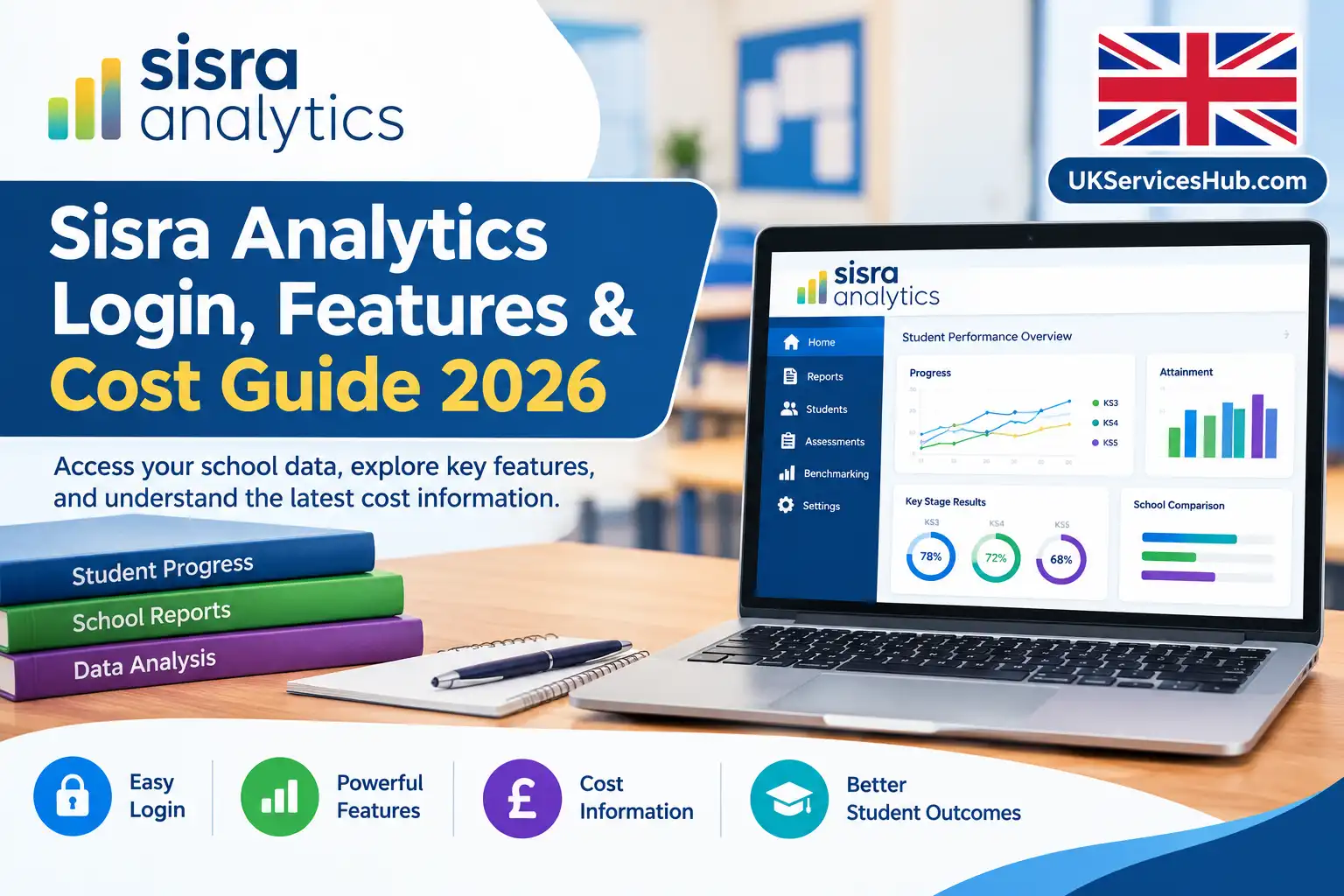
Sisra Analytics is a school data analysis platform that helps UK secondary schools make sense of pupil assessment results, measure attainment and progress, and identify areas for improvement. Developed by Juniper Education, it brings academic performance information into a structured reporting environment so school staff can investigate results at pupil, class, subject and whole-school level.
For school leaders, the challenge is not simply collecting assessment data. It is understanding what those figures reveal about learning, departmental performance and the support pupils may need. Sisra Analytics helps staff explore these questions using performance reports, assessment comparisons and benchmarking tools.
Whether you are looking for Sisra Analytics login information, want to understand its reporting capabilities or need to explore its potential uses in school improvement, the following sections explain the platform’s main functions and how schools can use its data effectively.
Getting Started with Sisra Analytics
The official Sisra Analytics website provides access to the platform, while Juniper Education’s Sisra page offers further product information and demonstration details.
Sisra Analytics is intended for different roles within a school, although the information available to each person depends on their assigned permissions.
| School role | How Sisra Analytics can help |
|---|---|
| Senior leadership teams | Review school-wide outcomes, identify performance patterns and inform improvement priorities. |
| Data managers | Organise assessment information, work with datasets and prepare reports. |
| Heads of department | Investigate subject results, compare classes and review qualification outcomes. |
| Classroom teachers | Examine teaching-group performance and identify pupils who may need additional help. |
| Trust leaders and governors | Review appropriate performance information to support strategic oversight. |
Access tip: If you cannot view a particular report or dataset, check your account permissions with your school’s Sisra administrator. The information available through the platform depends on the access rights assigned to your account.
What Can Schools Analyse with Sisra Analytics?
The platform helps staff move from raw assessment figures to a clearer understanding of pupil outcomes. Schools can examine different datasets, explore patterns across year groups and subjects, and use the findings to inform discussions about teaching and learning.
Attainment and progress: Understanding the difference
Attainment describes what pupils have achieved, while progress analysis considers how their outcomes compare with expectations or relevant starting points. Looking at both provides a more complete picture than relying on examination grades alone.
At GCSE level, relevant analysis may include:
The measures available and their interpretation depend on the dataset and reporting arrangements being used. Staff should confirm the assessment period, grading approach and cohort before comparing results or drawing conclusions.
Flexible assessment and grading arrangements
Schools use different methods to assess learning. One department may record GCSE grades from 9 to 1, while another may use percentages, vocational qualification grades, sub-grades or mastery-based assessments.
Analytics supports flexible grading arrangements, allowing schools to analyse suitable assessment information across different subjects and qualification types. This can be particularly useful when reviewing internal assessments alongside examination outcomes.
The key is to understand what each grading system represents. Results from different assessment methods should not automatically be treated as directly comparable without checking how the data has been recorded and interpreted.
Benchmarking against other schools
How can a school determine whether its results are unusual or reflect a wider pattern? Benchmarking provides additional context by allowing participating schools to compare their outcomes with anonymised information from other institutions through the platform’s data collaboration network.
School leaders and subject teams can use these comparisons to investigate differences between cohorts, identify areas that may require further attention and explore opportunities to share effective practice.
Benchmarking should support professional judgement rather than replace it. Differences in pupil intake, assessment methods and dataset completeness can affect comparisons, so similar results do not necessarily indicate identical circumstances.
Examining subject performance through SPI
Whole-school figures can hide differences between departments. The Subject Progress Index (SPI) offers a subject-focused view of progress, helping staff investigate how performance varies across subjects rather than relying on a single headline measure.
For instance, if a leadership team notices that progress patterns differ between two departments, subject-level analysis can help direct attention towards the areas that need further investigation. Staff can then use the available evidence to guide discussions with subject leaders and consider appropriate improvement measures.
SPI is most useful when interpreted alongside the wider assessment context, rather than as an isolated indicator of departmental effectiveness.
Making Sense of Sisra Analytics Reports
The platform’s reporting tools allow users to explore school performance at different levels of detail. The most appropriate report depends on the question being investigated, the data available and the user’s access permissions.
| Reporting area | Questions it can help answer |
|---|---|
| Whole-school performance | What patterns are emerging across the school, and how have outcomes changed between reporting periods? |
| Department and subject results | Which subjects, qualifications or classes may need closer examination? |
| Pupil and cohort analysis | How are individual pupils and selected year groups performing? |
| Assessment comparisons | How do current outcomes compare with targets or earlier assessment datasets? |
| Pupil-group analysis | What patterns appear among relevant groups, including disadvantaged pupils and pupils with SEND? |
Using filters to investigate specific groups
Report filters help staff narrow their analysis to a particular subject, class, year group or pupil cohort. Depending on the information configured by the school, analysis may include groups such as:
A useful way to approach this analysis is to start with whole-school or year-group results, narrow the view to the relevant pupil group, and then investigate individual records where appropriate.
This process helps staff understand whether a pattern affects a broad cohort or a smaller group of pupils. It can also help identify questions for further investigation, rather than encouraging decisions based on a single assessment result.
Best practice: Treat assessment reports as evidence for further discussion and action. A pupil’s score alone does not explain why they achieved a particular result, so staff should consider the wider learning context before deciding what support may be appropriate.
Sisra Analytics Dashboards: Monitoring Progress and Assessment Results
School performance data becomes more useful when staff can see how results change over time. Sisra provides a central place to review available assessment reports, helping teachers and leaders identify patterns without having to combine multiple spreadsheets manually.
How dashboards help schools interpret results
Depending on the school’s setup and the user’s access rights, dashboard information can support several aspects of performance monitoring:
Charts, tables and colour-coded indicators can make patterns easier to spot. Even so, a visual summary does not explain why a result has changed. Staff should examine the underlying assessment records and relevant circumstances before deciding whether additional support is needed.
Trust-wide performance monitoring for MATs
Multi-academy trusts (MATs) often need to understand how performance varies across their schools. Sisra supports trust-level analysis, giving authorised leaders an opportunity to examine relevant school and subject outcomes within the wider trust.
The reporting options available depend on the subscription and system configuration. Before planning a trust-wide review, leaders should confirm which dashboards and reporting features are included in their arrangement.
Following pupil progress across assessment periods
A single assessment shows performance at one point in time. Reviewing several assessments together can help teachers understand whether pupils are improving, maintaining their previous performance or moving away from expected outcomes.
Where configured, Sisra Analytics Tracker functionality allows up to six datasets or assessments to be displayed side by side. This makes it easier to compare results from different reporting periods without repeatedly recreating calculations in spreadsheets.
For example, a subject leader could compare autumn, spring and summer assessments to investigate whether pupils’ outcomes have changed following an intervention. The comparison can inform further investigation, although it cannot establish on its own that the intervention caused the change.
Bringing Attitude to Learning into the analysis
Academic grades provide only part of the picture. Where the school’s configuration permits, staff may also record information such as attitude to learning, behaviour and homework.
Considering these records alongside assessment outcomes can help teachers explore whether engagement and achievement appear to follow similar patterns. However, pastoral information should be interpreted carefully and in context. It can help guide a conversation with a pupil, but it should not replace professional judgement or an understanding of their individual circumstances.
Sisra Analytics Login: How to Access Your Account

To view school reports, you need an authorised Sisra account. Depending on your school’s authentication arrangements, signing in may involve the Juniper Education Portal and an additional verification step.
Start with the official Sisra Analytics login page. Using the recognised website helps you avoid unfamiliar third-party login pages.
Steps to sign in to Sisra Analytics

Step 1: Open the official login page
Visit sisraanalytics.co.uk in an up-to-date browser and select the relevant sign-in option.
Step 2: Enter your registered email address
Use the work email associated with your school account. If the system does not recognise it, check whether your school has registered a different address.
Step 3: Follow the authentication instructions
Depending on your account setup, you may be redirected to the Juniper Education Portal to enter your password or complete another authentication step.
Step 4: Complete two-factor authentication
If prompted, follow the on-screen instructions to configure or complete two-factor authentication (2FA). First-time Portal access may require additional setup.
Step 5: Select Sisra Analytics
Once you have entered the Portal, open Sisra from the services available to your account.
Step 6: Open the required reports
Choose the relevant reporting area, such as KS3, KS4 or KS5, and access the datasets and reports your permissions allow you to view.
Login screens and authentication requirements may vary by account. For the official walkthrough, consult Sisra Analytics: How do I log in?.
Resolving common Sisra Analytics login problems
If you cannot sign in, identify where the process is failing before trying to reset your account.
| Problem | What to check |
|---|---|
| Email address is not recognised | Confirm that you are using the email registered with your school account. |
| Verification code does not arrive | Check your inbox and spam or junk folders. If your registered details are outdated, contact your administrator or follow the official account-update process. |
| Forgotten password | Use the official password recovery page, if applicable to your account, or follow Juniper Education’s reset instructions. |
| A report is unavailable | Ask your Sisra administrator to check your account permissions. |
| Sisra Analytics is missing from the Portal | Ask your school administrator to confirm that the service has been assigned to your account. |
Before creating another account: Check whether your existing account is linked to an older email address. Your administrator may need to update the registered details rather than create a duplicate account.
Managing Assessment Data Before Reviewing Reports
Reliable analysis begins with accurate data. If pupil records, grades or assessment periods are inconsistent, reports may present a misleading picture of performance. Schools should therefore establish clear procedures for collecting, checking and uploading assessment information.
Assessment data quality checklist
Use the following checks to reduce avoidable errors.
Before uploading assessment data
After uploading assessment data
A named data lead can help maintain consistency across autumn, spring and summer assessment collections. Agreeing who prepares, checks and approves each dataset also makes it easier to identify the cause of discrepancies.
Protecting pupil information and controlling access
Sisra Analytics reports may contain personal information about children, so schools should ensure that access is limited to authorised users. Staff should follow the school’s data-protection procedures when viewing, exporting or sharing assessment records.
Before distributing a report, consider who needs the information and whether individual pupil details are necessary. Remove unnecessary personal information where appropriate and use approved channels for sharing sensitive records.
For further guidance on setting up and using the platform, visit the Juniper Education Help Centre: Sisra Getting Started.
Add a clear cost and subscription sectionInclude a practical dashboard workflow
How Much Does Sisra Analytics Cost? Pricing and Licence Considerations
Schools considering Sisra Analytics should confirm the cost directly with Juniper Education before making a purchasing decision. Pricing can depend on the licence and arrangements required, so a figure published in an earlier listing should not automatically be treated as the current price.
A UK government Digital Marketplace listing for the G-Cloud 14 framework shows a price of £1,111 per licence for Sisra. The listing also refers to education-sector pricing and a demonstration-school trial that generally lasts around two weeks.
The trial provides an opportunity to explore the reporting features, but prospective users cannot upload their own school data into the demonstration environment. This is worth considering when deciding how to evaluate the platform before purchasing.
For the published details, consult the Sisra government service listing. Contact Juniper Education to confirm current pricing, licence availability and applicable terms.
Questions to ask before buying a Sisra Analytics licence
The licence price is only one part of the purchasing decision. Schools should establish exactly what is included and whether the available features meet their operational needs.
| What to check | Questions to ask the provider |
|---|---|
| Licence costs | How are licences priced, and which members of staff need access? |
| School or trust requirements | Does the proposed arrangement support an individual school or reporting across multiple academies? |
| Training and onboarding | Are introductory sessions, implementation support and staff training included? |
| Technical support | Which support channels are available, and what service levels apply? |
| Additional services | Are there separate charges for consultancy, optional training or integrations? |
| Data preparation | What work is required to prepare existing assessment records for the platform? |
A demonstration can help school leaders and data managers assess whether Sisra fits their existing reporting processes. Use the opportunity to ask about assessment uploads, user permissions and routine reporting tasks before committing to a licence.
Getting Better Results from Sisra Analytics: Practical Recommendations
The value of school data software depends on how staff use the information it provides. A well-organised reporting process can help departments identify concerns earlier, review interventions and make decisions based on evidence rather than assumptions.
1. Set a consistent assessment timetable
Agree when assessment information will be collected, checked and reviewed throughout the academic year. A regular timetable makes it easier to compare results across autumn, spring and summer while reducing confusion caused by inconsistent reporting periods.
2. Give every finding a clear next step
When a report highlights an area of concern, identify what needs further investigation, who will take responsibility and when the results will be reviewed.
For example, a department may identify a group of pupils whose progress is below expectations. Staff can investigate the underlying assessment evidence, agree suitable support and review subsequent results to determine whether further action is needed.
3. Check the context before comparing results
Differences between assessment reports do not always indicate a genuine change in performance. Before drawing conclusions, check that the datasets cover comparable cohorts, use consistent grading arrangements and relate to the intended assessment periods and qualifications.
Incomplete records or changes in assessment methods can affect the interpretation of results. Resolving these issues first helps staff avoid decisions based on misleading comparisons.
4. Prepare reports for the intended audience
Different users need different levels of detail. Classroom teachers may require individual pupil and teaching-group information, whereas senior leaders and governors may be more interested in broader performance patterns and progress towards school improvement priorities.
Choose reports that answer the audience’s specific questions, and avoid sharing unnecessary personal information about pupils.
5. Evaluate whether interventions are helping
Assessment reports can provide a useful starting point for reviewing additional support. After an intervention, compare relevant subsequent assessments with the original findings and consider other factors that may have influenced the outcomes.
This approach helps departments decide whether to continue an existing strategy, adjust the support provided or investigate alternative explanations for the results. A change in assessment performance alone does not prove that a particular intervention caused the improvement.
Practical recommendation: Establish a clear cycle of data collection, quality checks, reporting, action and review. Sisra can support each stage, but meaningful improvement still depends on accurate assessment information, informed professional judgement and appropriate follow-up.
Add a clear pricing disclaimerMake the cost section more scannable
Frequently Asked Questions
Conclusion
Sisra Analytics is a useful school data analysis platform that helps UK schools review pupil attainment, monitor academic progress and make informed decisions using assessment data. Its reporting tools, dashboards and flexible analysis options enable teachers, subject leaders and senior leadership teams to identify performance trends, compare results and recognise areas where additional support may be needed.
Understanding the Sisra login process, report features and assessment tracking tools can help school staff use the platform more effectively. For the best results, schools should maintain accurate data, use consistent assessment methods and review reports regularly. Access, available features and reporting options may vary depending on the school’s configuration and user permissions.
If you need help accessing your account or understanding a report, visit the official Sisra website or consult your school’s data manager. With accurate information and consistent use, Sisra can support better data-informed decisions and help schools track pupil progress more confidently.
Read more..