Dr Frost Maths Explained: Platform, Tools & Resources
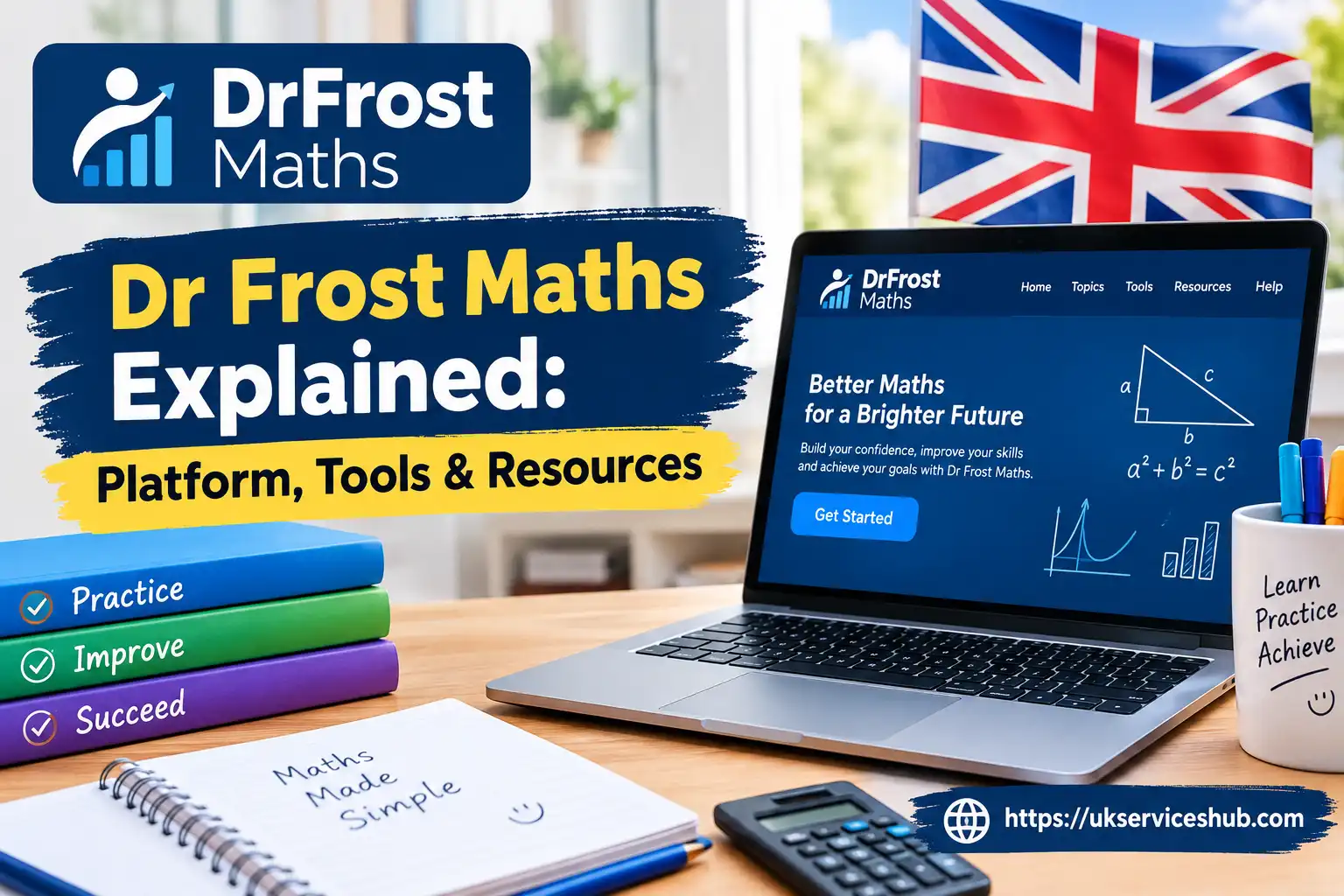
Dr Frost Maths is a popular online mathematics learning platform designed to support students, teachers and independent learners with engaging maths practice, assessment and revision resources. From Upper Key Stage 2 through GCSE, A-Level and Further Maths, the platform provides a wide range of tools to help users practise topics, complete assignments and improve their understanding of mathematics.
The platform combines auto-marked worksheets, interactive exam questions, lesson resources, video explanations and dynamic question generators in one place. Whether you are looking for Dr Maths practice, exploring its learning resources or trying to understand how the platform works, this guide covers its main features, tools, student access and useful ways to make the most of the service.Visit our homepage for more information Click Here.
What Is Dr Frost Maths?
Dr Frost Maths is designed to bring several parts of maths teaching and practice together in one online environment. Rather than relying only on printed worksheets or separate revision websites, teachers can use the service for lessons, homework, assessment and exam preparation.
The platform currently states that it provides 48,000+ real exam questions, 1,000+ lesson resources, 3,000+ question generators and 2,300+ worked example videos.
This makes the service relevant to both sides of the classroom:
| User | What they can use the platform for |
|---|---|
| Students | Practice, homework, revision and worked examples |
| Teachers | Tasks, worksheets, assessments and progress monitoring |
| Schools | Curriculum planning, class management and wider maths provision |
| Independent learners | Topic practice and self-directed revision |
One useful feature is the combination of automatically marked activities and explanatory support. Students can receive feedback while working, while teachers can use the resulting information to see how individuals or classes are progressing.
Key Dr Frost Maths Features
The platform is broader than a basic online question bank. Its tools are intended to support different stages of the teaching and learning process.
Auto-Marking Worksheets
Teachers can create online homework and assessment activities that are marked automatically. Students can therefore receive feedback without waiting for every answer to be checked manually.
This can also reduce routine marking for teachers, particularly when several classes are completing similar tasks.
Lesson Resources
Teachers can access ready-made PowerPoint presentations and worksheets that can be adapted for classroom use. The official site says these resources can be customised for different classroom situations.
This is useful when a teacher needs a structured starting point for introducing or revising a topic.
Exam Questions
Dr Maths includes past-paper questions from major UK examination boards, including AQA, Edexcel, OCR and WJEC, with GCSE and A-Level mathematics content available. The platform also lists collections from the UK Mathematics Trust.
Students preparing for exams can therefore practise questions in a format that is closer to their actual assessment style.
Question Generators
Question generators provide another way to practise mathematical skills. Instead of relying on exactly the same worksheet every time, learners can work through generated questions to reinforce a topic.
For teachers, this can be particularly useful when creating additional practice after a lesson or targeting a specific skill.
Video Explanations
When a student gets stuck, worked examples and video explanations can provide another route to understanding the method. The official website describes these as step-by-step explanations and worked examples available to support learners.
Who Can Use the Platform?
Dr Maths is aimed at a wide range of learners and education professionals. The official website separates its services into areas for teachers, schools and students, reflecting the different ways each group interacts with the platform.
Students
Students may use their account to:
For GCSE and A-Level learners, the combination of exam questions, automatic marking and explanations can support independent revision.
Teachers
Teachers can use the platform to:
The current platform also allows schools to import class lists through spreadsheet upload or connect using Wonde, while students can join through a shared link where appropriate.
Dr Frost Login: How to Access Your Account
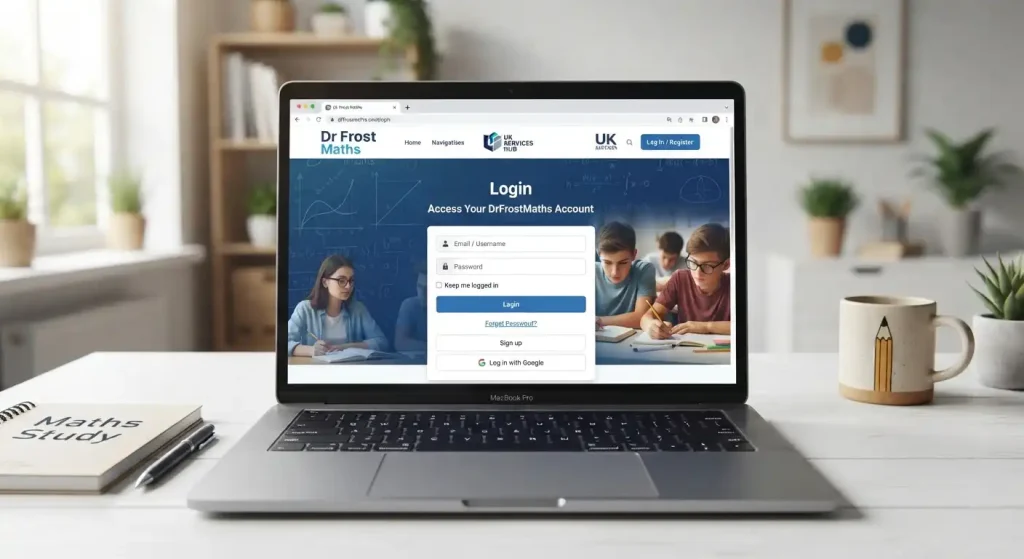
If you already have an account, the Dr Frost login page provides several ways to sign in. The current official page includes standard username/email and password fields, along with Google and Microsoft sign-in options.
Login steps
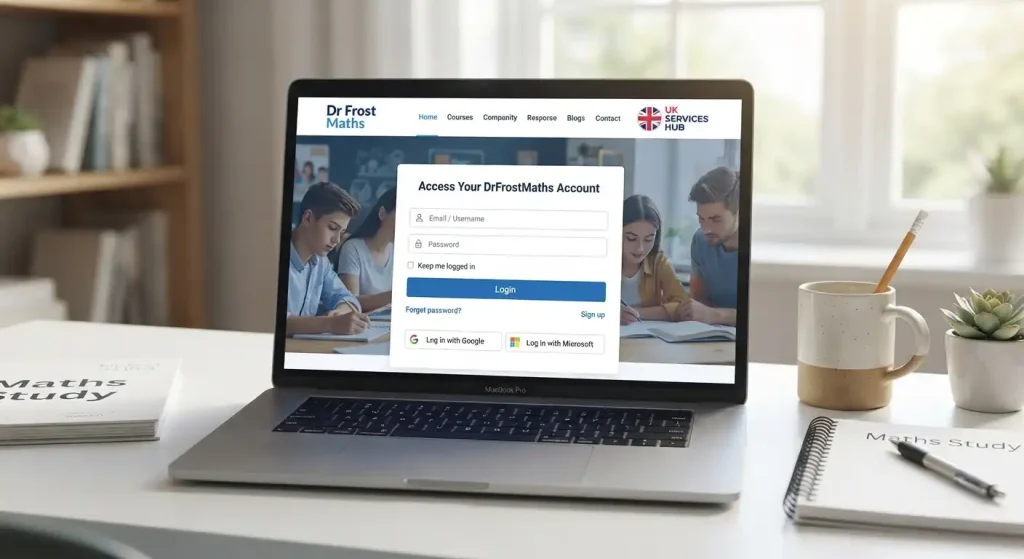
First-time student access
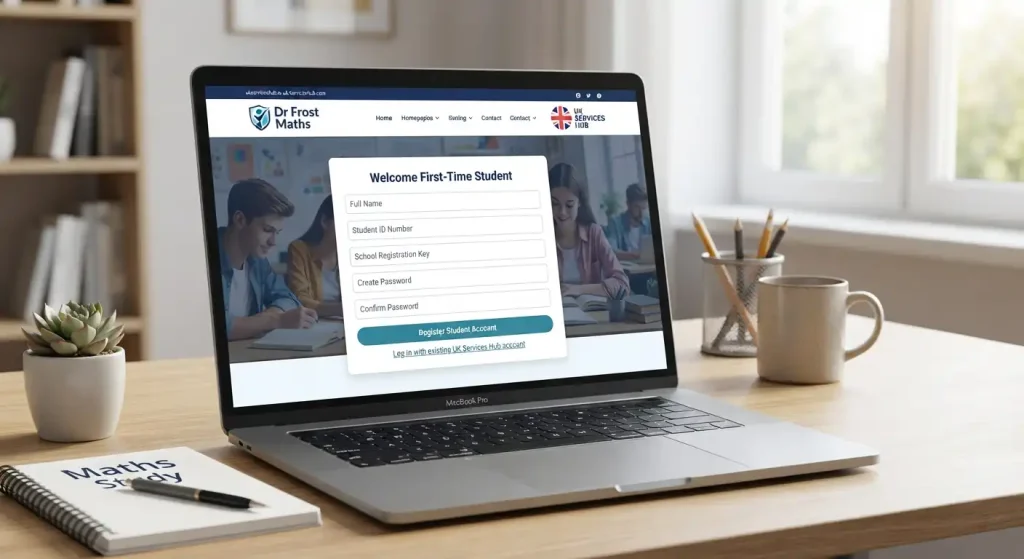
If your school or teacher has provided account details, use the credentials supplied to you rather than creating a separate account unnecessarily. Schools may also provide an invitation or joining link when connecting students to their existing Dr Frost Maths account.
If you think your school already uses the service, the official website advises students to request an invitation link from a teacher or colleague so that their account can be connected correctly.
Tip: Always begin from the official website rather than an unfamiliar login page. This helps ensure that you are entering your username and password into the correct service.
Dr Frost Maths Login Problems
A failed login does not always mean that your account has been deleted. Before contacting support, check the basics first.
The official login page specifically provides a “Having trouble logging in?” option for users who need assistance.
Finding Maths Resources After Signing In
Once you have access, the most useful approach is to start with the exact skill or topic you need rather than browsing randomly.
A student revising algebra, for example, can focus practice on that area and then use worked explanations when a question proves difficult. A teacher, meanwhile, can select material according to the class’s current scheme of work or create a task around a particular weakness.
The platform’s curriculum tools are designed to work with existing teaching plans. Dr Fros Maths says schools can map mathematical skills to their own curriculum or use pre-made courses and adapt them to their teaching sequence.
Using Dr Frost Maths for Practice and Revision
One of the main advantages of the Dr Maths platform is that students can use it for more than simply completing assigned homework. The available question banks, topic-based activities, generators and worked examples can also form part of a structured revision routine.
Instead of repeatedly practising questions you already understand, focus on areas where your results show uncertainty. Work through a small set of questions, check mistakes carefully and then return to the same skill later to see whether your accuracy has improved.
A practical student revision routine
You can use the platform in this order:
This approach is particularly useful during GCSE and A-Level preparation because it combines active question practice with opportunities to review the method behind an answer.
Dr Frost Maths for GCSE and A-Level Revision
For students preparing for examinations, the platform can bring together topic practice and genuine exam-style material. Its question collection includes material associated with major UK examination boards, making it possible to practise questions relevant to different courses. (drfrost.org)
A sensible revision plan is to move from individual skills towards mixed exam practice.
Topic practice
Start by identifying specific areas that need attention. For example, a learner might work on algebraic manipulation before moving to simultaneous equations or quadratic functions.
Exam-question practice
Once the basic method is more secure, move towards exam questions. This helps students become familiar with the wording and structure of mathematical problems rather than practising isolated calculations only.
Error review
Do not simply record a score and move on. An incorrect answer can reveal a misunderstanding that needs another explanation or several more examples.
A useful revision record can include:
| Review point | What to record |
|---|---|
| Topic | The mathematical skill being practised |
| Mistake | What went wrong |
| Correct method | The method that should have been used |
| Follow-up | Another question on the same skill |
| Result | Whether accuracy improved later |
This turns ordinary online practice into a more deliberate revision process.
How Teachers Can Use the Platform
For teachers, Dr Maths provides tools for creating and distributing mathematical activities rather than relying entirely on pre-written worksheets.
Teachers can set different forms of work according to the purpose of the lesson. A short activity may be suitable for checking understanding after teaching a new concept, while a longer assignment can be used for homework or assessment.
The platform also supports monitoring. Teachers can review student activity and use the resulting information to identify areas that require further classroom attention.
Common classroom uses
A teacher might use the service to:
The official platform describes its resources as suitable for classroom teaching, homework and revision, with tools for tracking student progress. (drfrost.org)
Setting Homework and Online Tasks
Online homework can be particularly useful when a teacher wants students to practise a skill outside the classroom.
Rather than giving every learner exactly the same printed exercise, teachers can select or generate questions around a particular concept. Automatic marking then gives students feedback while allowing teachers to review the overall outcome.
For students, the most important part is to read the feedback rather than simply checking whether the final answer was correct.
Before starting an assignment
Check:
If a question appears unusually difficult, avoid immediately guessing. Read the question carefully, identify the mathematical topic involved and use any available support material where appropriate.
Tracking Progress and Identifying Weak Areas
A useful maths platform should do more than tell you whether one answer is right or wrong. Progress information can help students and teachers recognise patterns over time.
For a learner, repeated mistakes in the same type of question may indicate that the underlying concept needs revisiting. A single incorrect answer, on the other hand, may simply be an isolated slip.
Teachers can use class-level information to decide whether a topic should be retaught, practised again or extended with more challenging questions.
A simple way to interpret your results
Consistently correct:
Move towards mixed or more challenging questions.
Mostly correct with occasional errors:
Review the mistakes and continue practising.
Repeated errors on one skill:
Return to the underlying method before attempting another large set.
Unsure even when answers are correct:
Use worked examples to make sure you understand why the method works.
This makes progress tracking more useful than focusing only on percentages.
Dr Frost Live and Interactive Learning
The phrase Dr Live may be used when searching for live or interactive mathematical learning associated with the platform. However, the source material provided for this article does not establish a separate standalone service or specific timetable under that exact name.
For the most reliable information about current live teaching, events or interactive opportunities, check the official Dr Maths website directly rather than relying on third-party descriptions.
This distinction matters because online platforms can change their features, terminology and available services over time.
Making the Most of Dr Frost Maths
The platform is most useful when its different tools are used for different purposes. A student does not necessarily need to complete hundreds of questions in one sitting.
A better routine is to combine practice, feedback and review.
For students
For teachers
The goal is not simply to complete more questions. It is to develop stronger mathematical understanding.
Common Dr Frost Maths Access Issues
Occasionally, students may reach the platform but still be unable to access the correct account or assignment. In many cases, the problem is related to account details or the way the school has connected the student.
If your username does not work
Check that you are using the username or email address supplied for your account. If your school uses a specific account format, confirm the details with your teacher.
If your password is rejected
Check for typing errors and make sure you are using the correct password. If you cannot remember it, use the account-help option on the official login page.
If Google or Microsoft login fails
Return to the official Dr Frost login page and check whether the account is intended to use Google or Microsoft authentication. If the problem continues, your school administrator or teacher may need to check the account connection.
If you cannot see assigned work
Make sure you are signed into the correct student account. If an assignment should be visible but is missing, contact the teacher who created it so they can check how the task was assigned.
Dr Frost Maths: Student vs Teacher Use
The platform serves different purposes depending on the user’s role.
| Area | Student | Teacher |
|---|---|---|
| Homework | Complete assigned work | Create and assign work |
| Practice | Answer topic questions | Select suitable practice |
| Revision | Use questions and explanations | Provide targeted activities |
| Assessment | Complete assigned assessments | Review performance |
| Resources | Study supporting material | Use lesson resources |
| Progress | Review personal performance | Monitor individual/class progress |
Understanding this difference can make the platform easier to navigate. A student generally needs to focus on assigned activities and personal practice, while a teacher has additional controls for planning and monitoring learning.
Tips for Parents Supporting Maths Practice
Parents do not need to teach every mathematical method themselves to support a student using the platform.
A useful role is to encourage a consistent study routine and ask the learner to explain how they reached an answer. Asking “Why did you use that method?” can be more useful than simply asking whether the answer was correct.
If a student repeatedly struggles with the same topic, it may be worth discussing the issue with their maths teacher. Online practice works best when it complements proper teaching rather than replacing it.
Is Dr Frost Maths Suitable for Independent Study?
It can be useful for independent learners because the platform contains topic practice, question generators, exam questions and worked explanations. However, independent students should choose material that matches their actual course and level.
For example, a GCSE learner should focus on resources relevant to their specification rather than attempting advanced material simply because it is available.
The same principle applies to A-Level students. Targeted practice is generally more useful than selecting questions at random.
Getting Started: A Simple Checklist
Before you begin using the platform, keep these points in mind:
The official website remains the best place to check current platform features and access options because online services can change over time. (drfrost.org)
Frequently Asked Questions
Conclusion
Dr Frost Maths is a comprehensive online mathematics platform designed to make maths practice more interactive, structured, and accessible. With tools for skill practice, dynamically generated questions, worked examples, worksheets, courses, assignments, and progress tracking, Dr Frost Maths can support students across different stages of their mathematical learning.
Whether you are using Dr Frost Maths for independent practice or accessing work assigned by a teacher, the platform provides a range of resources to strengthen individual skills and build confidence. Teachers can also use the available tools to create tasks, monitor progress, and identify areas where students may need additional practice.
For students looking for a flexible way to practise maths online, Dr Frost Maths offers a useful combination of learning resources, question practice, feedback, and progress features. Visit the official Dr Frost Maths website to explore the platform, access available resources, and get started with your maths learning journey.
Read more..